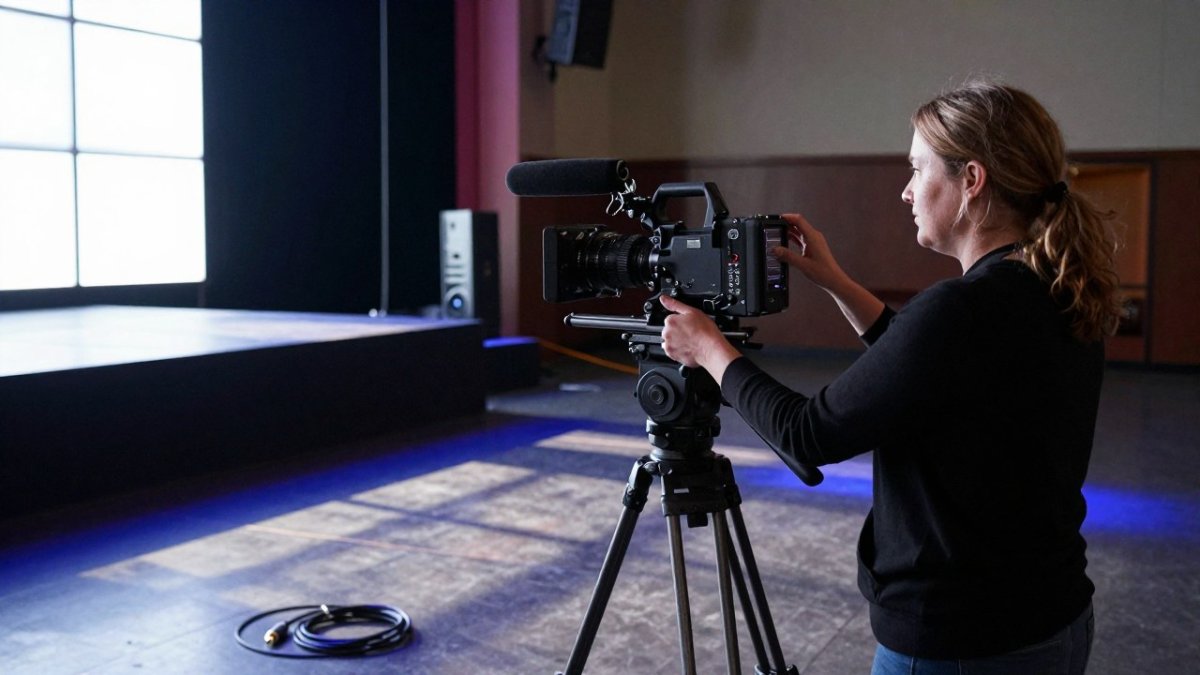
Quick Summary
Multi camera production records one event from several positions so a director can cut between speakers, reaction shots and wide views. For association events, it suits long programs, panels, and hybrid streams, while single-camera work fits a simple one-presenter recording on a tight budget.
- Most association productions use between two and four cameras.
- Choose multi-camera for panels, live streams, and audience interaction.
- Request an itemized quote, since day rates hide crew costs.
- Confirm recording releases and a retention rule before publishing sessions.
- Track live attendance, uptime, watch time, and cost per participant after each event.
Table of Contents
- Single-Camera vs. Multi-Camera Production: Which Fits Your Association Event
- Choosing a Camera Count and Setup for Events
- Multi Camera Production Equipment and Budget Considerations for Associations
- Advantages of Multi Camera Production for Member Engagement and Reuse
- Evaluating a Multi Camera Production Partner for Your Next Event
- Frequently Asked Questions
Last Updated: November 13, 2026
Single-camera or multi-camera? For most association events, the answer depends on what the audience will actually watch, how long the program runs, and how many people you need on site to capture it. The choice shapes everything from crew size to the value of the footage afterward. A multi-camera setup gives planners cuts between speakers, reaction shots and wide establishing views, which makes a keynote look and feel like broadcast television rather than a single fixed frame. This guide covers five essentials: the single-versus-multi decision, camera count, equipment and budget, member engagement and reuse, and how to evaluate a production partner before you sign.
Single-Camera vs. Multi-Camera Production: Which Fits Your Association Event
A single camera records one continuous angle, while a multi-camera setup records the same moment from several positions and lets a director switch between them live or in post. For an association event, the difference shows up most in long programs. A single camera can handle a short panel or a webinar with one presenter, but it struggles to keep a three-hour conference session engaging.
The tradeoff is cost and crew. Multi-camera production requires more cameras, supporting equipment and usually a larger crew, including a technical director to call the shots. Single-camera work is leaner and fits a tight budget or a simple recorded message from a board chair.
Choose multi-camera when the event has multiple speakers, audience interaction, or a live stream that viewers will watch in real time. Choose single-camera when the content is one presenter speaking to a fixed frame and the footage will be edited heavily anyway.
Choosing a Camera Count and Setup for Events
Most association productions use between two and four cameras. Two cameras cover a single speaker with a wide shot and a close-up, which is enough for a straightforward plenary or award presentation. Three or four cameras become worthwhile once you add a moderated panel, a stage with movement, or an audience that needs to be seen during Q&A.
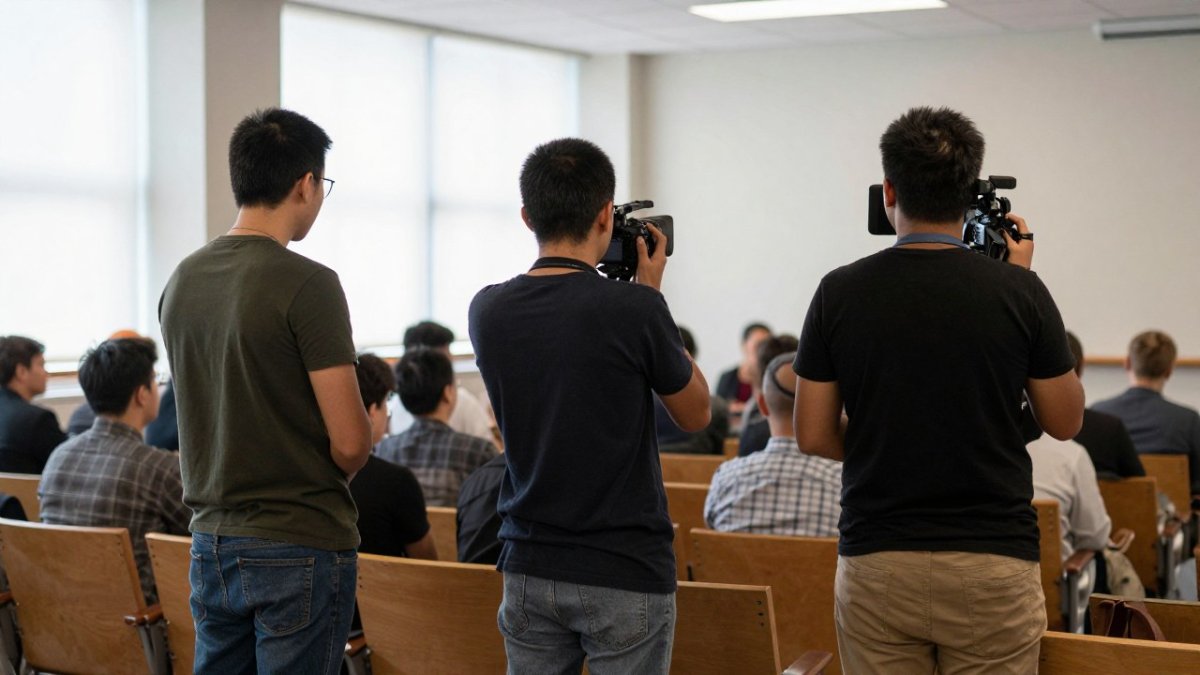
Camera placement matters as much as the count. Position one camera centrally for a wide shot that captures the full stage, and place others at the side aisles for close-ups and reaction shots. Keep every camera on the same side of the 180-degree line so the speaker does not appear to switch direction between cuts.
Audio deserves the same planning as video. Pull feeds from the podium microphones and the room's audio system rather than relying on camera-mounted mics, and confirm the sync before the program starts.
Camera count affects both the viewing experience and the crew you need on site. The article points to the following guidance.
| Camera count | Typical use | When it becomes worthwhile |
|---|---|---|
| Two cameras | Single speaker with wide shot and close-up | Plenary or award presentation |
| Three to four cameras | Moderated panels, moving stages, audience Q&A | Once panels, movement or audience visibility are added |
| Camera placement | Central wide shot plus side close-ups | Keep all cameras on the same side of the 180-degree line |
Multi Camera Production Equipment and Budget Considerations for Associations
Association budgets are scrutinized by volunteer boards and finance committees, so a multi-camera quote needs to be defensible line by line. Equipment falls into four groups: cameras and lenses, a video switcher that selects the live feed, an audio interface that pulls from the room's sound system, and a streaming or recording workflow. Equipment choices depend on the event's size, format and delivery requirements, and the production team should confirm the specific gear during planning.
Budget scales with four variables: camera count, crew size, number of rooms, and whether you need remote contribution or cloud production. A common pattern for associations is to separate the quote into pre-production (site survey, run-of-show review, camera plot), production (crew, equipment, travel, days on site), and post-production (edit, captions, delivery). Ask every provider for an itemized quote rather than a day rate, because a day rate hides whether the technical director, audio engineer, and streaming engineer are included. Staffing is almost always the largest line item on a multi-camera job.
When comparing in-house, rented, and outsourced production, weigh total cost of ownership rather than sticker price. In-house means capital equipment, storage, insurance, and staff training that must be maintained between events. Renting equipment without a crew shifts the integration risk to your team. Outsourcing bundles gear, crew, and contingency into one contract, which is usually easier for a board to approve and easier to audit afterward.
Procurement teams should confirm insurance, equipment liability, payment terms, cancellation clauses, and who owns the raw footage. A clear scope document protects both the association and the vendor if the event schedule shifts. Questions worth putting in writing: How many cameras and operators are included? Is the technical director on site or remote? What is the backup plan if the venue network fails? Who captions the stream, and on what turnaround? What are the delivery formats and the retention period for raw files?
Watch out: a quote that lists cameras but not crew hours often looks cheapest and ends up costing more once overtime, travel, and post-production revisions are added.
Advantages of Multi Camera Production for Member Engagement and Reuse
Multi-camera footage does more than fill a livestream. Several angles of one session give you material for highlight reels, session recaps, and short clips for member newsletters. Editors can build a finished film from the same recording, which means a single event produces content for months afterward. Reaction shots and audience cutaways let members who cannot travel follow the room's energy, which matters most for hybrid conferences with breakout sessions running at the same time.
The engagement case is strongest when accessibility is planned into the coverage. Live captioning and ASL interpretation need a camera angle and a clean audio feed dedicated to them, and captions can be planned as a separate track for the replay. Accessible stream design also means readable lower thirds, adequate contrast, and a player that works on mobile. Remote audience interaction, moderated Q&A, polls, and chat, gives online members a reason to stay rather than watch a recording later.
Reuse protects your investment, but only if governance is handled first. Recordings of board sessions, member assemblies and confidential briefings carry consent and privacy obligations. Confirm speaker releases, announce recording at the start of each session, and flag any session that must stay internal. Set a retention schedule for raw footage and a rule for what gets published, so decisions are not left ad hoc.
Measure outcomes with a small set of KPIs rather than a vague sense of success: live attendance versus registration, stream reliability (uptime and dropped sessions), average watch time, replay views in the first 30 days, engagement actions such as questions and poll responses, and cost per participant. Reviewing these after each event tells you whether the camera count and crew were right for the program.
Watch out: publishing a session recording without confirmed releases and a retention rule can create member-privacy problems that outweigh any engagement gain.
Evaluating a Multi Camera Production Partner for Your Next Event
Start by asking how the partner plans coverage. A strong provider will walk through the run of show, camera positions, audio feeds and a contingency plan for technical failures before the event. Ask whether they have handled hybrid programs with simultaneous sessions, since that requires a director calling cuts across multiple rooms.
Check the full range of services. Event coverage, live production, and post-production should come from one team where possible, so the people who shot the footage also edit it. A provider that also offers story strategy can help you decide what the finished piece should accomplish.
Ask to review examples of finished event work and ask about crew experience with the types of clients you serve. You can start that conversation through the FR Creative Group / Frame Reality contact page, or request a discovery call to talk through your event's format, audience and budget. Before you commit, our guide on 8 Questions to Ask a Video Production Company Before You Hire covers contract terms, rights and revision policies worth reviewing with any vendor.
For multi-camera coverage that fits your event format, bring the room to every audience with live, multi-camera production designed for conferences, panels and hybrid programs. Request a discovery call with FR Creative Group / Frame Reality to talk through camera count, crew and delivery around your schedule and budget.
Frequently Asked Questions
What is multi-camera production?
Multi-camera production records an event with two or more cameras at once, and a director or technical director switches between the feeds live or in post-production. Associations use it to cover keynotes, award presentations, and panels so that the recording shows wide shots, close-ups of speakers, and audience reactions instead of one static angle. The approach is standard for conferences and hybrid events because it produces a more watchable program for members who attend remotely.
How many cameras do you need to film a conference?
Most association conferences work well with three to four cameras: one wide shot covering the full stage, one or two close-up cameras for speakers, and an optional audience or moving camera for reactions and networking. A two-camera setup can handle a small panel or webinar-style session. The right count depends on room size, the number of speakers, and whether the event is streamed live, so the production team should confirm the count during planning rather than guess.
What equipment is needed for multi-camera event production?
A typical setup includes multiple cameras with tripods or mounts, a video switcher that combines the feeds, audio capture from microphones connected to the mixer, cabling or wireless transmitters, and a recording or streaming device. Lighting and a stable network connection matter for live streams. Pricing depends on equipment, crew size, number of sessions, and delivery format, so request a quote from FR Creative Group / Frame Reality on the website for current rates tailored to your event.
How does a multi-camera setup work for live streaming an event?
The cameras feed a video switcher, which lets a director select the active shot in real time. The switched program then goes to a streaming platform through an encoder or streaming software, while a separate recording captures the same output for later use. Audio must be synchronized across all cameras and the stream. Test the signal path, bandwidth, and backup connection well before doors open, because a live failure cannot be fixed afterward.
