Last Updated: November 2, 2026
Quick Summary
A corporate event recap works best when it captures five essential shots: venue exterior and establishing shots, attendee arrivals and room setup, keynote and panel presentations, audience reactions and candid moments, and the hero moment with detail shots. Planning this shot list before the event keeps the footage usable and the story clear.
- Shoot the venue exterior at arrival and departure, holding wide frames for 8 to 10 seconds.
- Film the empty room before doors open to give editors a clean baseline.
- Run a line-level feed from the house sound system and record a separate ambient track.
- Use a locked-off wide stage frame for the full keynote as insurance against missed moments.
- Assign a dedicated camera to the hero moment and capture the audience reaction for 3 to 5 seconds.
Table of Contents
- Why the Right Shots Decide Whether Your Recap Gets Used
- Shot 1: The Venue Exterior and Establishing Shots
- Shot 2: Attendee Arrivals, Registration, and Room Setup
- Shot 3: Keynote Speakers and Panel Presentations
- Shot 4: Audience Reactions, Networking, and Candid Moments
- Shot 5: The Hero Moment and Detail Shots
- Putting the Five Shots Together
- Frequently Asked Questions
Why the Right Shots Decide Whether Your Recap Gets Used
Most corporate event recaps die in a shared folder. If you want to start a conversation about an event film, documentary, interview, or live production, call or email FR Creative Group in Washington, DC.
A corporate event recap is a short film that tells what happened, who was there, and why it mattered. Approvers need to feel the room's energy in under two minutes.
Planning matters more than most teams expect.
Five shots are worth treating as non-negotiable for a corporate event recap:
- Venue exterior and establishing shots
- Arrivals, registration, and room setup
- Keynote speakers and panel presentations
Shot 1: The Venue Exterior and Establishing Shots
The venue exterior is the first thing a viewer sees, telling the audience where the event happened and setting the scale. For a full recap that includes venue-level establishing coverage, see how this is handled as part of the finished film.
Establishing shots work best when they are wide and steady. Film the building, signage, and entrance in the first hour, while the light is good and the space is quiet, holding each frame for at least five seconds.
Framing the venue at arrival and departure
Shoot the venue twice: as guests arrive, to show anticipation, and as they leave, to show the event ending with energy.
Here is a simple capture plan for this shot:
- Wide exterior: Hold a locked-off wide frame of the building for 8 to 10 seconds.
- Signage: Get a clean shot of the event name or company logo, at eye level.
- Entrance movement: Film guests walking through the doors, shot from a slight distance.
A common mistake is shooting only in the middle of the day with harsh overhead light. Ask the venue about the best time for natural light, and plan around it.
Shot 2: Attendee Arrivals, Registration, and Room Setup
Once guests are inside, the story shifts from the building to the people. Arrivals and registration show the human side of the event.
Room setup shots are easy to overlook. Film the empty room before doors open to give editors a clean baseline that makes the transformation feel earned.
A practical checklist for this shot:
- Empty room, wide shot, before guests arrive
- Registration desk with name badges visible
- Guests checking in, filmed from behind or the side for privacy
Keep the camera at a respectful distance during check-in. Guests want to get through the line, not perform for a lens.
Shot 3: Keynote Speakers and Panel Presentations
The keynote is usually the spine of the recap: it is where the message lands and where viewers decide whether the event was worth their time. If you want multi-camera coverage of keynotes and panels, including real-time production for hybrid audiences, this is the service to look at.
A practical capture plan for a single keynote:
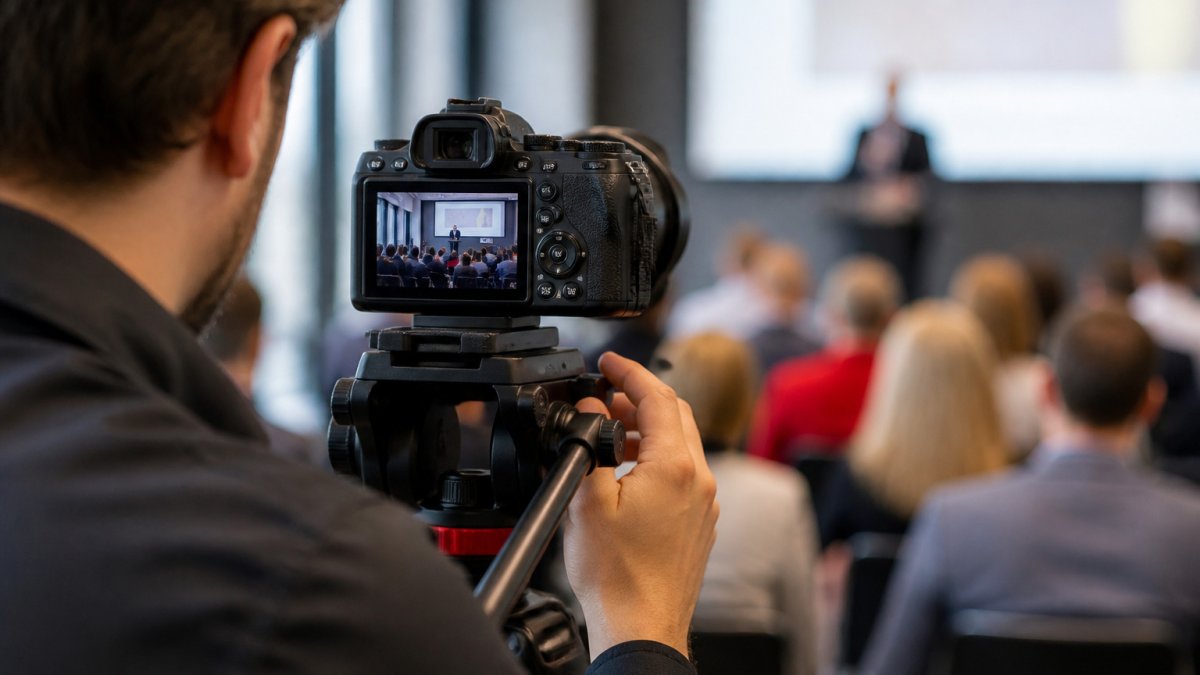
- Wide stage frame: Lock off a wide shot that includes the stage, screen, and front rows, held for the full segment so the editor always has a clean cutaway.
- Medium speaker frame: Frame the speaker from the waist up, with the slide screen edge visible for context, holding each framing for at least 8 to 10 seconds.
- Tight expression frame: Push to a tight shot of the speaker's face and hands during key lines, these carry emotion in the edit.
Panels need a different approach. Frame the group first, then switch to individual speakers when they talk, favoring a medium shot that includes the name card or table placard when the room allows.
Audio capture for speeches and interviews
Audio is where many recaps fail. A beautiful image with muddy sound gets skipped quickly. Plan audio before the event, not after.
- Use a lavalier microphone on each speaker, or a handheld mic at the podium.
- Run a feed directly from the house sound system when the venue allows it. Ask for a line-level output, not a recording of the room through a microphone.
- Record a separate ambient track of the room for texture, held at a low level under the speech audio.
Ask the event team early who controls the house audio. Getting a clean feed is much easier when someone is expecting the request.
Watch out: house feeds are often mixed for the room, not for a recording, so confirm the feed is not compressed or limited before you rely on it as your primary audio source.
Contingency planning for the stage
Stage coverage rarely goes to plan. Speakers run long, slides fail, and the agenda shifts. Build these fallbacks into the shot list:
- Low light: If the stage is lit for mood rather than camera, raise your ISO and accept some grain, or ask the AV team to add a front wash during the keynote. A slightly noisy clean frame beats a dark, unusable one.
- Missed moments: Keep one camera on the stage for the full session rather than chasing individual moments. The locked-off wide is your insurance against a missed reaction.
- Last-minute agenda changes: Confirm the run of show the morning of the event and again an hour before the keynote. A five-minute check prevents a missed speaker.
The article lays out a capture plan for each shot in the keynote, so a quick reference helps when you are on site.
| Keynote shot | Duration or timing | Purpose |
|---|---|---|
| Wide stage frame | Locked off for full segment | Clean cutaway and safety |
| Medium speaker frame | 8 to 10 seconds per framing | Speaker from waist up |
| Tight expression frame | During key lines | Carries emotion in the edit |
| Slide and screen inserts | 3 to 5 seconds each | Cut to visuals over talking head |
| Audience-to-stage reaction | Slow pan or static frame | Bridges between points |
Shot 4: Audience Reactions, Networking, and Candid Moments
This shot brings the event to life. Speeches tell viewers what was said. Audience reactions show how it felt.
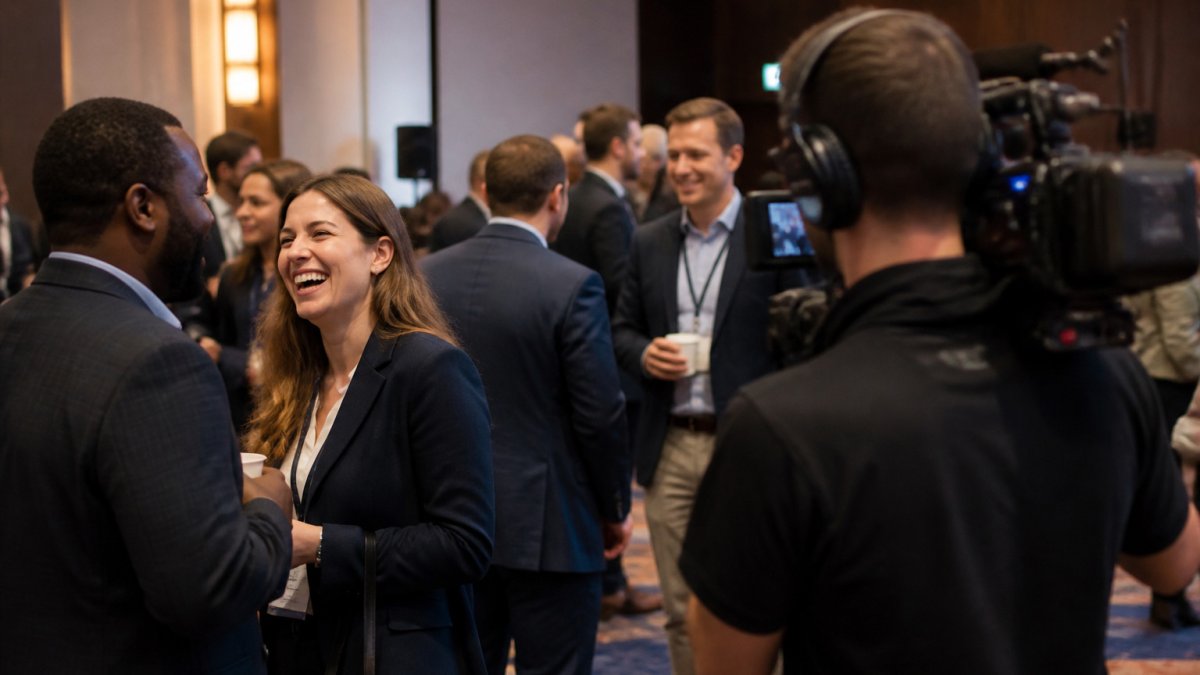
Candid moments matter just as much.
Shoot these moments handheld or on a gimbal, moving slowly through the crowd with purpose. Shake and whip pans look sloppy in a recap.
Respect privacy here. Not every attendee wants to be filmed. Post clear signage, offer an opt-out path, and avoid tight shots of anyone who asks you to stop.
Shot 5: The Hero Moment and Detail Shots
Every good recap has one moment that stands above the rest. It might be a major product reveal, an award presentation, or a closing address that gets a standing ovation.
Plan for it in advance.
A capture plan for the hero moment:
- Pre-moment wide: Hold a wide frame of the stage and room for 10 seconds before the moment begins, so the editor can establish context.
- Hero medium: Frame the person or product at the center of the moment, held steady for the duration of the reveal or announcement.
- Reaction cutaway: Capture the audience response, applause, standing, a visible reaction, held for 3 to 5 seconds.
Detail shots support the hero moment: hands on a presentation clicker, a close-up of a slide, the glow of a screen on a speaker's face, or a logo on a banner.
For a clean edit, aim for these detail shots:
- Hands, notes, or materials on the table
- Close-up of the speaker's face during a key line
- Logo or branding detail on stage
Mapping each shot to the recap edit
The five shots are not a checklist to collect and forget. Each has a job in the finished edit, and knowing that job changes how you shoot it.
- Opening: The venue exterior and establishing shots carry the first 5 to 10 seconds. Shoot them wide and steady so the editor can lay a title over them.
- Story progression: Arrivals, registration, and room setup move the viewer from outside to inside. Shoot the empty room before doors open so the transformation reads.
- Message: Keynote and panel coverage deliver the substance. The wide, medium, and tight frames give the editor cut points between points.
When you shoot with the edit in mind, you stop collecting footage and start capturing a story.
Watch out: detail shots are easy to over-collect. A handful of clean, well-lit inserts per segment is enough; dozens of near-duplicate frames slow the edit without adding value.
Contingency planning for missed moments
Hero moments do not always happen where the run of show says they will. Build these fallbacks into the plan:
- Missed reveal: If the hero moment happens off-camera, capture the immediate aftermath, the reaction, the applause, the crowd around the product, and let the edit imply the moment.
- Low light: Detail shots in dim rooms need a fast lens or a small on-camera light. Test both before the event rather than discovering the problem on the day.
- Crowded rooms: If you cannot get a clean line to the stage, shoot the hero moment from a raised position and use the detail shots to cover the gaps.
Putting the Five Shots Together
Film the five shots in sequence, and the recap almost edits itself. The venue sets the scene. Arrivals and setup bring viewers inside. The keynote delivers the message. Reactions show the response. The hero moment and details close the story.
Most recaps that fall flat are missing one of these pieces. Check your shot list against this sequence before the event, and again after the first day of filming.
Built this way, a recap can serve internal updates, social posts, and next year's planning after the event ends.
Frequently Asked Questions
What should you include in a corporate event recap video?
A strong recap covers five elements: the venue or setup, arrivals and registration, the main speakers and presentations, audience reactions and networking, and one hero moment that signals the event's purpose. Pair these with clean audio from speeches and a few detail shots such as signage, name badges, and stage branding. Together they show what happened, who attended, and why it mattered. Keep the sequence tied to the story you want viewers to take away, not just a chronological log of the day.
How long should a corporate event highlight video be?
Most corporate event recap videos work best between 60 and 120 seconds for social and internal sharing, with a longer 3 to 5 minute version for sponsors, leadership, or archival use. Build the short cut first, since it forces you to pick the strongest shots. Plan your shot list so the longer edit has enough B-roll and interview footage without padding. Pricing and scope depend on duration, number of cameras, and delivery formats, so request a quote for your specific event.
How do you capture speakers and audience reactions at a corporate event?
Use a wide shot to establish the room, then a medium shot on the speaker and a tighter lens on the audience to catch genuine reactions. Position a camera at the back or side of the room so you are not blocking attendees. Record audio directly from the speaker's microphone feed when possible, and capture ambient room sound for texture. Get permission from speakers before filming interviews, and follow any venue or attendee privacy guidelines you have agreed to.
What B-roll should you capture at a corporate event?
Capture transitional and detail footage that helps an editor move between key moments: hands on keyboards at registration, close-ups of name badges, stage lighting and branding, coffee breaks, handshakes, and people walking between sessions. Also record slow movement shots of the room before doors open. Plan these in your shot list so they get captured during quiet periods rather than being skipped in the rush of the schedule.
