Last Updated: October 29, 2026
Quick Summary
Live stream production for hybrid conferences means capturing the event so in-room and online attendees get the same experience. It involves cameras, audio capture, live switching, streaming delivery, and rehearsal. Most of the work happens before the event starts.
- Plan a dedicated, wired internet connection and test it well before the event.
- Add a backup connection, such as a second internet source or cellular bonding.
- Audio problems hurt a stream more than video problems, so mic every speaker.
- Give remote viewers a way to ask questions and assign someone to relay them to the stage.
- Run a full rehearsal with the actual speakers, slides, and connection before doors open.
Table of Contents
- What Live Stream Production for Hybrid Conferences Involves
- Hybrid Event Technical Requirements
- How to Engage Remote Audiences at Hybrid Events and Build Your Production Checklist
- Frequently Asked Questions
What Live Stream Production for Hybrid Conferences Involves
Live stream production for hybrid conferences means capturing a live event so people in the room and people online get the same experience. FR Creative Group, operating as Frame Reality, provides live production services for events.
Live stream production is the process of capturing, switching, mixing, and delivering a live feed to remote viewers in real time. Beyond the live feed, you can also explore event films and post-event media such as recaps, executive interviews, and milestone coverage. A hybrid conference adds an in-person audience, so the production must serve both groups without favoring one.
Most of the work happens before the event starts. A production team typically covers:
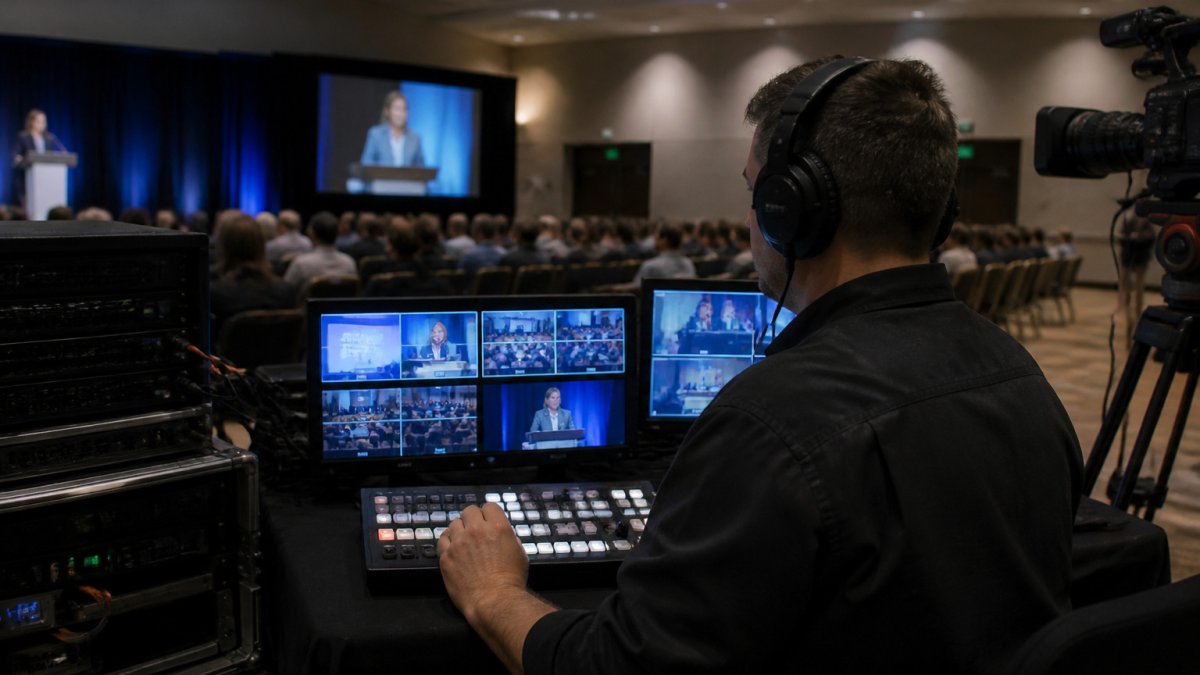
- Camera coverage: wide shots of the room, close shots of speakers, and audience cutaways
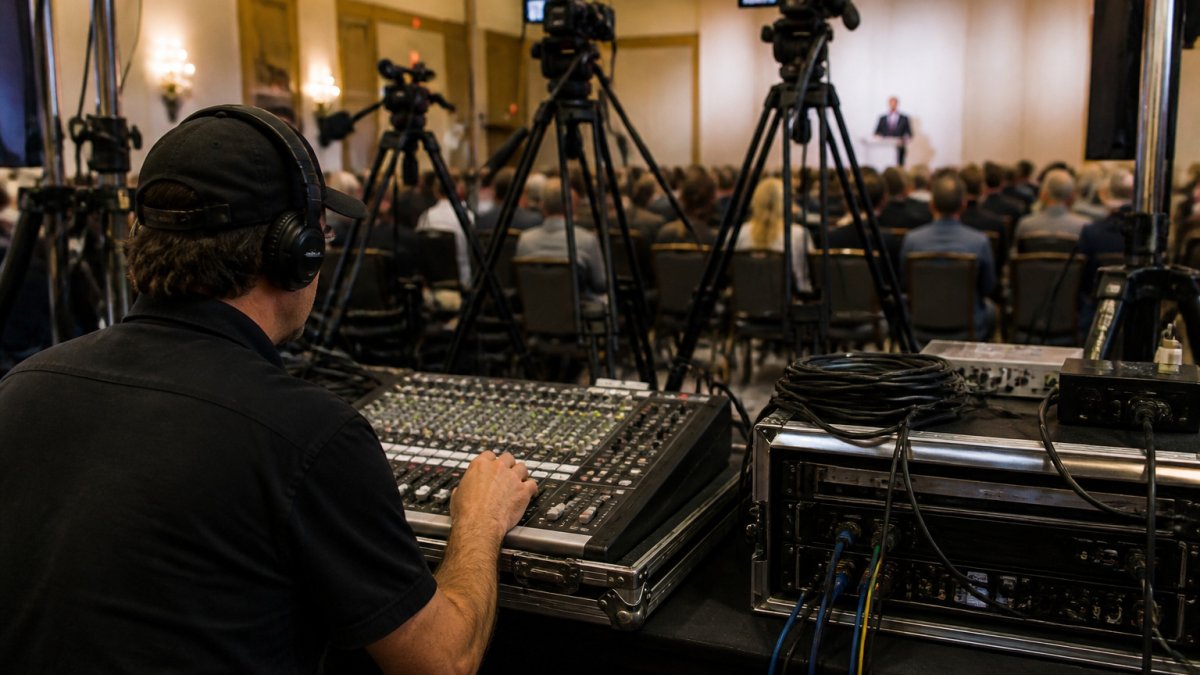
- Audio capture: clean speaker microphones and a feed that sends sound to the stream
- Live switching: a director choosing which camera feed the online audience sees
- Streaming delivery: encoding the feed and sending it to the platform attendees use
- Rehearsal and testing: checking connection, audio levels, and camera positions before doors open
Hybrid Event Technical Requirements
Hybrid events need reliable equipment, a stable internet connection, and a crew that can respond quickly when something goes wrong.
Plan these items early:
- Internet connection: A dedicated, wired connection with enough upload capacity, tested well before the event
- Backup connection: A second internet source or cellular bonding device in case the main line fails
- Audio system: Lapel or handheld microphones for every speaker, plus room mics for audience questions
- Camera positions: Cameras placed so the stage, slides, and audience are visible without blocking attendees
- Lighting: Even light on speakers so the stream looks consistent
- Crew size: Enough operators to run cameras, audio, and the switcher without anyone doing three jobs at once
Watch out: Audio problems hurt a stream more than video problems. Remote viewers will forgive a soft image far sooner than a speaker they cannot hear.
The technical requirements for a hybrid event come down to a handful of items to plan early.
| Item | What to plan | Note |
|---|---|---|
| Internet connection | Dedicated, wired connection | Test well before the event |
| Backup connection | Second internet source or cellular bonding | Covers the main line failing |
| Audio system | Lapel or handheld mic per speaker | Plus room mics for questions |
| Camera positions | Stage, slides and audience visible | Do not block attendees |
| Lighting | Even light on speakers | Keeps the stream consistent |
| Crew size | Enough operators | No one doing three jobs at once |
How to Engage Remote Audiences at Hybrid Events and Build Your Production Checklist
Remote attendees need to feel included, not like they are watching from the back of the room. Give them a clear way to ask questions, see the speaker well, and stay connected through breaks. FR's story strategy through live production and delivery planning covers the full range of services you may need.
Use these steps to build your checklist:
- Set the goal: Decide what the online audience should be able to do, such as watch, ask questions, or chat with speakers.
- Pick the platform: Choose a streaming tool that supports live Q&A and chat.
- Assign roles: Name one person to monitor online questions and relay them to the stage.
- Plan the feed: Decide which camera shots the remote audience sees during slides, panels, and audience questions.
- Test in the room: Run a full rehearsal with the actual speakers, slides, and connection.
- Prepare a backup plan: Keep a recorded version ready and a second way to reach remote viewers if the stream drops.
For a team producing a hybrid conference for the first time, FR Creative Group can help plan the camera, audio, and crew needs. Contact us for a Discovery Call to talk through your event.
Frequently Asked Questions
What equipment is needed for a hybrid conference live stream?
A typical setup needs at least two or three cameras covering the stage and audience, a live video switcher, lapel and handheld microphones with a mixer, a reliable internet connection with bonded or redundant uplinks, and a streaming encoder. Add a monitoring screen for remote viewers and a production laptop running the switching software. Plan for backup power and a spare encoder, because a single failed component can interrupt the broadcast. Confirm the equipment list with your production crew well before the event date so gaps are found early.
How do you keep remote attendees engaged during a hybrid conference?
Give remote viewers a reason to stay: a dedicated online moderator who reads questions aloud, a chat or Q&A tool connected to the broadcast, and clear cues that acknowledge them during the program. Keep camera framing focused on speakers and visuals that remote viewers can read, not just a wide shot of the room. Test the stream experience ahead of time from a remote login so you see what attendees see.
