Table of Contents
- Why Most Government Videos Get Used Once and Archived
- Step 1: Plan Reuse Into the Production Brief
- Step 2: Build a Script and Shot List That Can Be Recut
- Step 3: Clear Rights, Permissions and Attribution Before You Shoot
- Step 4: Deliver Captions, Transcripts and Accessible Formats
- Step 5: Store, Version and Retrieve Assets Systematically
- Frequently Asked Questions
Last Updated: November 1, 2026
Why Most Government Videos Get Used Once and Archived
Most government videos have a short life. They premiere at a launch event, get posted to a website, and then sit untouched while the agency moves on.
A reusable video is different. It can be cut into a short clip for social media, pulled into a presentation for a new audience, or captioned and translated for a different office.
- Plan reuse into the brief before production starts
- Write scripts and shot lists that can be recut
- Clear rights, permissions and attribution early
- Deliver captions, transcripts and accessible formats
Step 1: Plan Reuse Into the Production Brief
Reuse starts with the brief, not the edit. If the brief only asks for one finished video, that is all the crew will deliver. A brief that names future uses changes the entire shoot.
What the brief should specify
Write the brief to list every likely use before production begins. To see how compliance-focused government video is produced, including the requirements that shape what can be reused, read how to produce government compliance videos. Common uses include:
- A full-length program video for the website
- Short clips for social media and newsletters
- A recap for internal staff or partner agencies
- A version for presentations and public meetings
Once those uses are listed, the crew can plan for them. A short clip needs a clear opening line. A web version needs closed captions. A presentation needs a clean frame with space for titles. Planning these up front costs far less than retrofitting them later.
Step 2: Build a Script and Shot List That Can Be Recut
A script built for one sequence will fall apart when someone tries to pull out a 30-second clip. Write the script in self-contained segments.
Your shot list should include:
- Wide establishing shots that set the location
- Medium shots of the speaker or activity
- Close-ups of key details, such as signatures or equipment
- B-roll for cutaways and transitions
Plan at least two takes of key lines. This gives editors options when a clip needs a different rhythm. A common mistake is shooting only one version of the interview, which leaves editors stuck with a single cut.
Step 3: Clear Rights, Permissions and Attribution Before You Shoot
Rights problems are the most common reason a government video cannot be reused. Footage, music, images and interview subjects each carry their own permissions, and a single unclear asset can block the whole file. Clear them before the shoot, not after.
Start with the federal public-domain baseline
Works created by federal government employees as part of their official duties may fall in the public domain in the United States (The Lifecycle of Copyright). That baseline is narrower than many teams assume:
- It covers federal employee work, not work by contractors, grantees or state and local agencies, which may hold their own copyright.
- It does not cover third-party material folded into the video, such as licensed music, stock footage, archival film or photographs.
- It does not cover a person's likeness, voice or personal information, which are governed by release and privacy rules rather than copyright.
- It does not automatically cover works produced by other countries' governments, which follow their own rules.
Treat each asset separately and record its status in a simple rights log: asset name, source, owner, license or public-domain basis, permitted uses, credit line, and expiration date if any.
Check third-party material before it enters the edit
For every music track, stock clip, archival shot or image, confirm:
- The license permits the intended uses (web, social, broadcast, presentations, training)
- The license permits modification, such as trimming or re-editing
- The license term covers the planned reuse window
- A credit line is specified, and you can meet it
A common pattern is a track licensed for a single campaign that later cannot be reused in a training video. Buying broader rights up front is usually cheaper than replacing the audio later.
Get releases that survive reuse
A release signed for one video may not cover a later clip, a different platform or a new audience. Ask for releases that name the agency, describe the intended uses broadly, and permit editing and redistribution. For minors, get a parent or guardian signature. For anyone speaking about sensitive topics, add a clause covering later excerpting.
Write attribution you can paste anywhere
Prepare a standard credit line for each asset before delivery, for example: "Video footage: [Agency Name], public domain" or "Music: [Track], licensed under [license name] from [source]." Store the credit lines in the rights log and in the video's metadata so an editor two years later can find them without a search.
Document the decision, not just the asset
For each asset, note who approved its use, when, and under what terms. A short approval note in the project folder is enough, and it is what lets a future team reuse the video without re-clearing everything from scratch.
Step 4: Deliver Captions, Transcripts and Accessible Formats
Accessibility is part of reuse. A video without captions cannot be shared in many settings, including agency sites and classrooms that must meet accessibility requirements. Build accessible versions into the delivery plan from the start, not as a cleanup task at the end.
Know the standard you are delivering against
Confirm the current accessibility requirements with your agency's accessibility officer before you write the delivery spec.
Deliver these files with every final video
- Caption file in a standard format such as WebVTT (.vtt) or SubRip (.srt), timed to the final cut
- Full text transcript as a separate document, including speaker labels and relevant sound cues
- Audio description track or a described version where visuals carry key information
- Clean master file in a high-quality format plus compressed web versions
- Accessible player embed that exposes captions and description to assistive technology
Name the caption file to match the video file so they stay paired in storage.
Build captions so they survive re-editing
Captions break when a clip is trimmed. Two habits prevent that:
- Keep the caption file in the same project folder as the master, and note the exact version it was timed to.
- When you cut a clip, re-time the captions to the new edit rather than reusing the old file. A short clip with drifting captions is worse than no captions.
A transcript also makes the content searchable, so staff and the public can find a specific statement without scrubbing through video.
Plan for translation and repurposing
If a video may be translated, keep the transcript clean and speaker-labeled so it can be handed to a translator. If it may be cut into social clips, export a caption file for each clip at the same time as the clip itself. Doing both at delivery costs far less than reconstructing them later.
Check the delivered files before you archive
Play the final video with captions and description turned on, on both desktop and mobile. Confirm the caption file loads, the timing holds through the first and last minute, and the transcript matches the final cut.
The article lists the files to deliver with every final video, so here is a quick reference for them.
| File | Purpose | Note |
|---|---|---|
| Caption file (WebVTT or SubRip) | Timed captions for the final cut | Name it to match the video file |
| Full text transcript | Searchable text with speaker labels | Include relevant sound cues |
| Audio description track | Describes key visual information | Used where visuals carry key information |
| Clean master file | High-quality source copy | Keep alongside compressed web versions |
| Accessible player embed | Exposes captions and description to assistive tech | Confirm it works on delivery |
Step 5: Store, Version and Retrieve Assets Systematically
Even a well-planned video is wasted if nobody can find it two years later. Storage and naming matter as much as the edit. Set up a simple system and use it on every project.
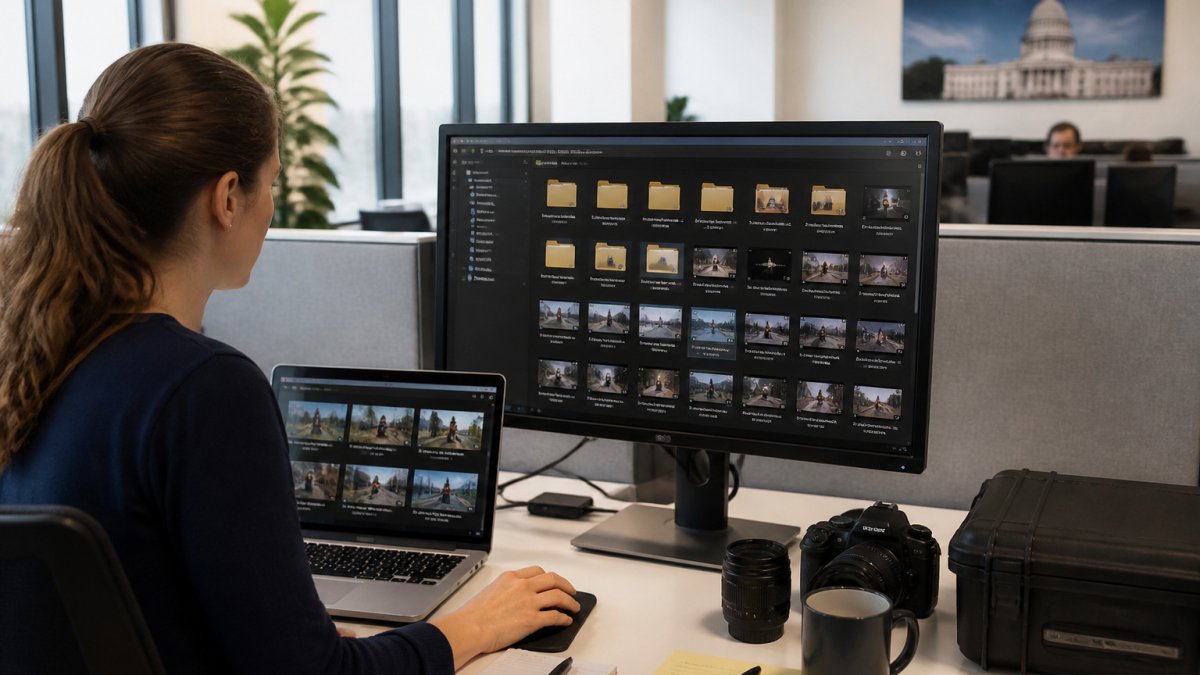
- Use a consistent file naming pattern with project, date and version
- Keep the master file, the working project and the final exports separate
- Store rights documents and release forms with the video files
- Record metadata such as the topic, speakers, date and usage limits
- Use a shared repository that the whole team can search
Review the archive each year. Remove duplicates, confirm that rights documents are still valid, and update metadata where the content has changed.
Frequently Asked Questions
How can government agencies make videos reusable?
Plan reuse before the camera rolls. Write the production brief to name every intended channel, such as the agency website, social media, conference slides and recruitment materials. Shoot to those formats, capture usable B-roll and interview answers that stand alone, and collect the rights and releases each use requires. Then deliver a master file plus cutdowns, captions and a transcript so the video can be reused without reediting from scratch.
What video formats and versions should an agency request?
Request a master file at the highest practical resolution, plus delivery versions sized for web, social platforms and presentations. Ask for a 16:9 version and a square or vertical cut for social use, a version without lower thirds for re-titling, and a silent or music-only version where narration may change. Include the caption file (SRT or VTT) and a full transcript with each delivery.
How do captions and transcripts make government videos more reusable?
Captions let a video play in sound-off environments, such as office screens, social feeds and public kiosks, and they support viewers who are deaf or hard of hearing. Transcripts make the content searchable and easy to repurpose into written materials, reports and web pages. Build captions and transcripts into the delivery schedule so they are created from the final approved script, not added after a revision.
What should a government video production brief include for reuse?
A reuse-ready brief lists the intended audiences, every planned distribution channel, the expected shelf life, and the approval chain. It also states the rights requirements, including music licensing, releases for on-camera participants, and any restricted imagery. Finally, it specifies the file, caption and transcript deliverables so reuse planning is settled before production begins.
Frame Reality builds government and mission-focused video with reuse in mind from the first brief. If you want to plan a video that stays useful after launch, start a conversation with start a conversation with FR Creative Group about your project. You can also review our approach to story strategy and documentary production before you decide.
